Your brand page, handed out by link, card and QR
An intro, a guide,
each its own brand page.
From your shop to a class or a product.
Make it a page, and hand it out by link, card or QR.
Uses
Here’s how it’s used.
One page for each thing to tell. Pick a template and start from a page filled with examples.
Tap to see it whole, then start from that template.
Share
Your page goes out three ways.
Publish, and each page gets its address. Cards and QR signs leading there come in the same colors.
- Here’s the November class :)
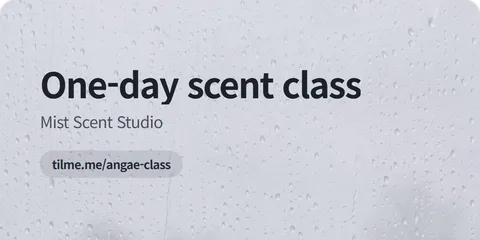 One-day scent classtilme.me1Link
One line in your profile, chats and posts. Sent, it shows as a card with your name and photo.
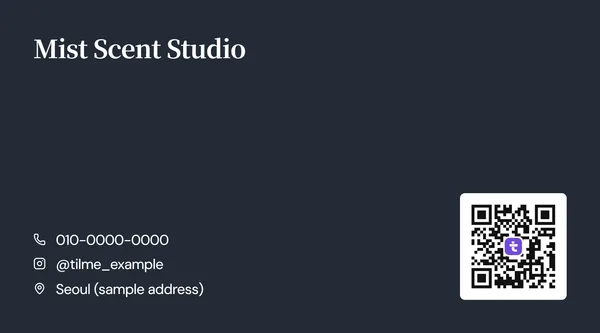
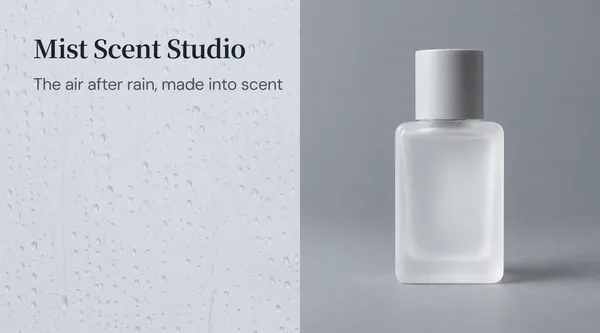 2Card
A card in your page’s colors. Get a print PDF; its QR opens the page.
- A4A5A6
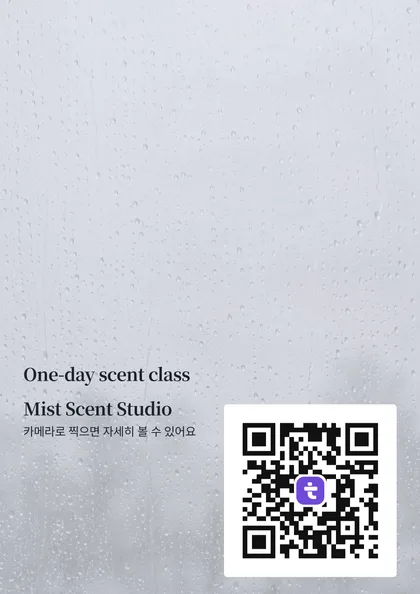
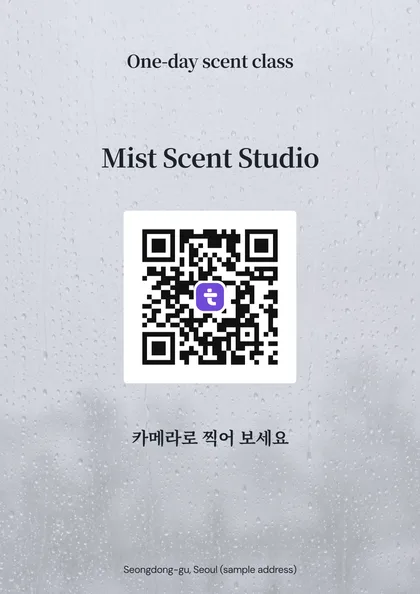 3QR sign
A sign for your shop, classroom or stall. Print the PDF; a scan opens that page.
ONLY ON TILME
What a list can’t do,
blocks can show.
Instead of lining up links, you place photos, steps and questions
at the size and spot you choose.
- Before & afterSlide the line in the middle.
- ProcessSwipe through each step.
- FAQTap and the answer opens.
These are real tilme blocks. Slide, swipe and tap them.
Stories
From people who got theirs first.
- SA soap studio
Turned 16 text-only class listings into one page where people choose by photo.
- HA handmade paper studio
“tilme made me a special page that’s all mine 🧡”
Shared in their Instagram story - YA year-end market
Brought seller intros, class sign-ups and donation records together on one page.
Making pages by hand for small studios, one at a time, we kept seeing the same thing: everyone meant to ‘change it someday’ but never got around to it. So instead of just handing you a tool, we decided to give you a finished first version.
From tilmeQuestions
What people
ask first.
01Is it really free?
Yes. It’s free from sign-up on, and it stays free. That covers making and publishing pages, and making and sharing business cards.
02How many pages can I make?
Up to two, each with its own address — say one for your shop and one for a class.
03What comes in a template?
The blocks for that use, with example words and photos in order. Just swap in your own.
04Can I change it myself afterward?
Anytime. Add blocks, change their size and spot, and pick colors and backgrounds. When you’re done, press ‘Publish’ and your live page updates. The address stays the same.
05How do I add it to my Instagram profile?
When you publish, you get an address like ‘tilme.me/username’. In the Instagram app, go to Edit profile and paste it into the link field. Visitors can see it without logging in.
Make your first page,
right now.
Pick a template and start from a page filled with examples.
- Free for good
- Up to two pages
- Cards and QR signs too